The short version
- One watt drawn around the clock is 8.76 kWh a year, about $1.50 at 17 cents per kWh.
- Berkeley Lab estimates standby uses 5–10% of home electricity; an NRDC study found idle loads near 23% in the homes it measured.
- Set-top boxes, game consoles in instant-on mode, AV gear and old computers are common culprits.
- Find your baseline from your utility's hourly data, then hunt it down with a plug-in meter.
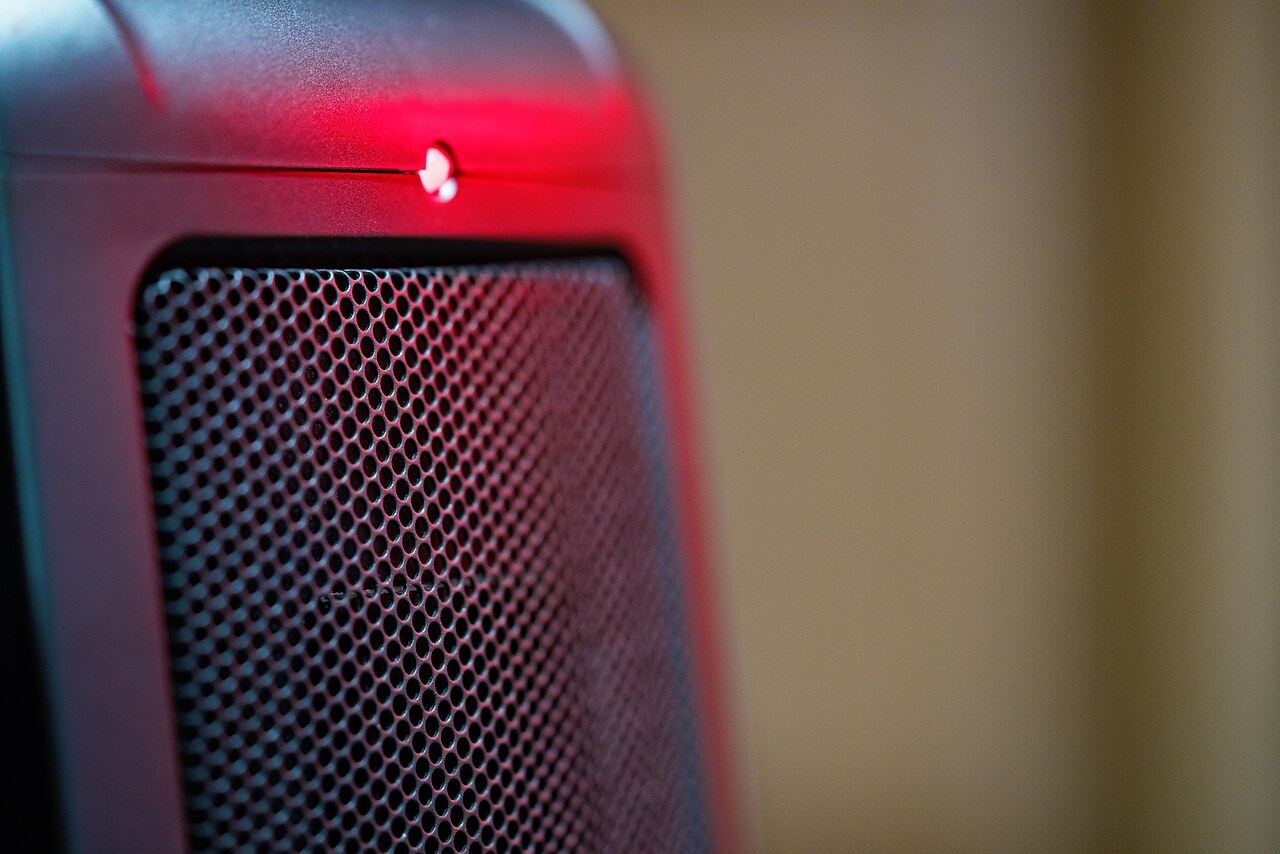
Walk through your house at midnight with the lights off and count the glowing dots. The TV's red standby light, the clock on the microwave, the green LED on the cable box, the soundbar, the printer, the smart speaker, the charging dock. Each one is a device drawing power while nobody uses it. On their own they are trivial. Added together and multiplied by 8,760 hours a year, they are not.
Why one watt costs $1.50
A device that draws power all the time never gets a break. One watt running for a full year is 1 × 8,760 hours ÷ 1,000 = 8.76 kWh. At 17 cents per kWh, that is about $1.49 a year for every always-on watt.
That makes the arithmetic easy. A home with 50 watts of standby load pays about $74 a year to keep things ready to switch on. One with 150 watts pays about $223. A single old cable DVR or a desktop PC that never really sleeps can make up a large part of that.
How big is the problem really?
Estimates vary because researchers measure different things. Lawrence Berkeley National Laboratory, which has studied standby power for decades, estimates that it accounts for roughly 5–10% of residential electricity use.
A 2015 NRDC study took a broader view. Using smart meter data from Northern California homes, it measured everything drawing power when nobody was actively using it, including devices left on and appliances that never switch off. It found that this always-on load averaged about 23% of household electricity. The two numbers are not in conflict. The narrower one counts only the low-power standby mode, the wider one counts everything idling.
Either way, it is a slice of the bill you are paying for no benefit, and it is one of the easier slices to cut.
Put a price on your own standby load
Once you know your always-on watts (the next section shows how to find them), enter them here. The ten-year figure is a useful reality check: it is the amount you are deciding about when you leave a device plugged in.
Standby power cost
Add up the always-on watts in your home (a plug-in meter reads them) and see the yearly cost.
Find your home's baseline in ten minutes
You do not need to test every plug. Start with the whole house.
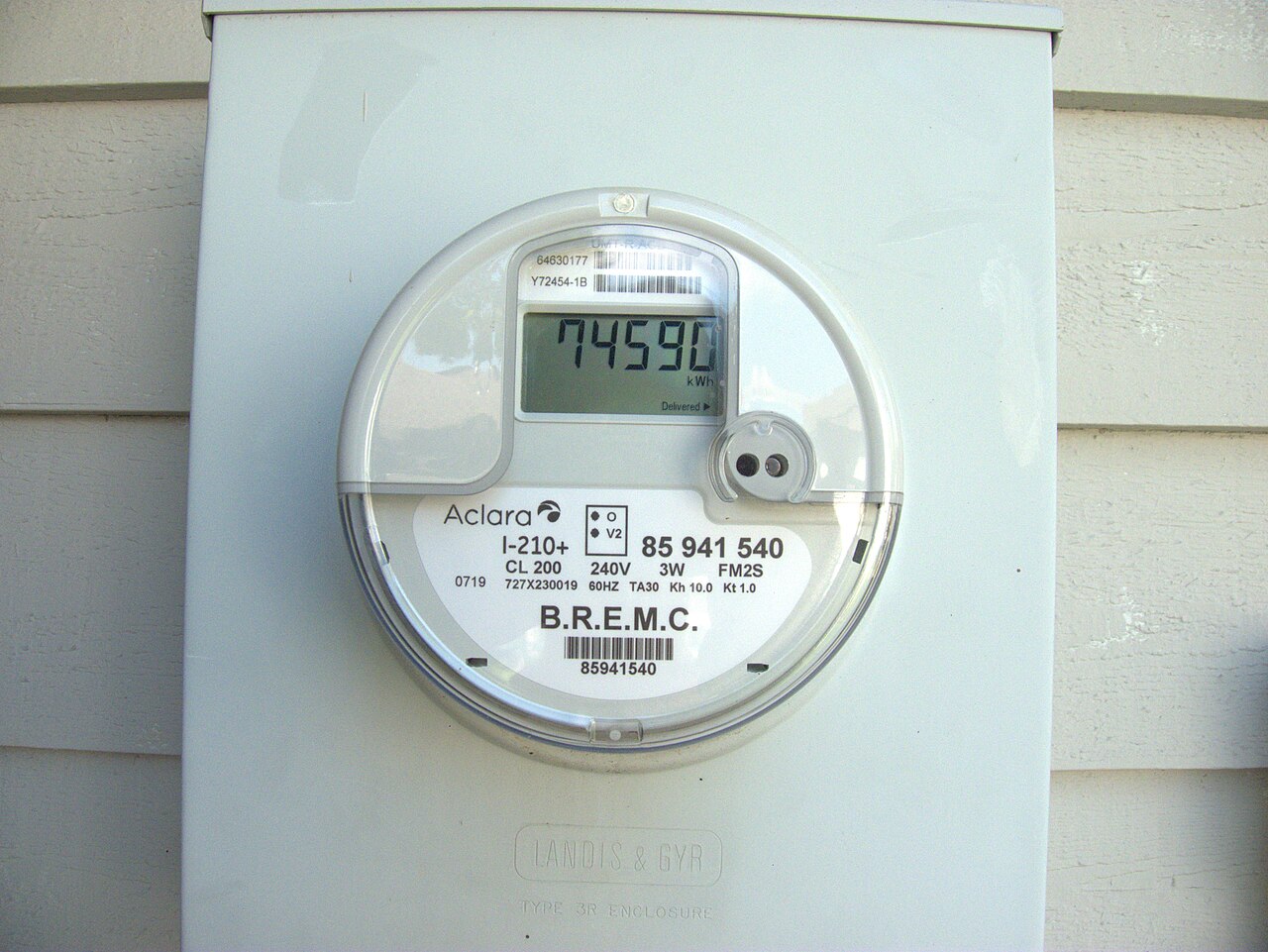
- Use your utility's hourly data. Log in to your utility account or app and look at hourly usage for a few nights. The lowest hour, often around 3 or 4 a.m., is your baseline. If the lowest hour is 0.3 kWh, your always-on load is about 300 watts.
- Subtract what must run. The fridge and freezer cycle through the night, so they make up part of that minimum. A modern fridge averages roughly 40–60 watts.
- Hunt the rest with a plug-in meter. Plug the TV cluster, the office desk and the kitchen counter devices in through the meter one group at a time, with everything switched off the way you normally leave it. Write down each reading.
The usual suspects
Every home is different, but the same kinds of devices keep showing up near the top of the list:
- Cable and satellite boxes, especially DVRs. Many stay fully awake around the clock to record and update. Some draw nearly as much off as on.
- Game consoles in instant-on or rest mode. Fast startup and background downloads come at the cost of a steady draw. Switching to the energy-saving power mode in the settings cuts most of it.
- Audio and video receivers, subwoofers and powered speakers. Often left on with no signal, or with a network standby mode enabled.
- Desktop computers and monitors that never sleep. Check the power settings so the computer sleeps after 15–30 minutes of idle time.
- Printers, especially inkjets kept on network standby.
- A second fridge or freezer in a hot garage. Not standby, but always on and often old. Measure it over a full day.
What rarely matters: phone chargers with nothing attached, LED night lights and modern microwaves. Their draw is small enough that your plug-in meter may struggle to show it.
Fixes, from easiest to most effective
Change the settings
Free, and often the biggest win. Turn off instant-on on consoles and TVs, enable sleep on computers, and switch off network standby on AV receivers you do not control by app.
Use advanced power strips for device clusters
A so-called smart strip has a control outlet. When the TV plugged into it turns off, the strip cuts power to the console, soundbar and streaming box on the other outlets. It suits any group of devices that are only used together.
Put a switch where you will use it
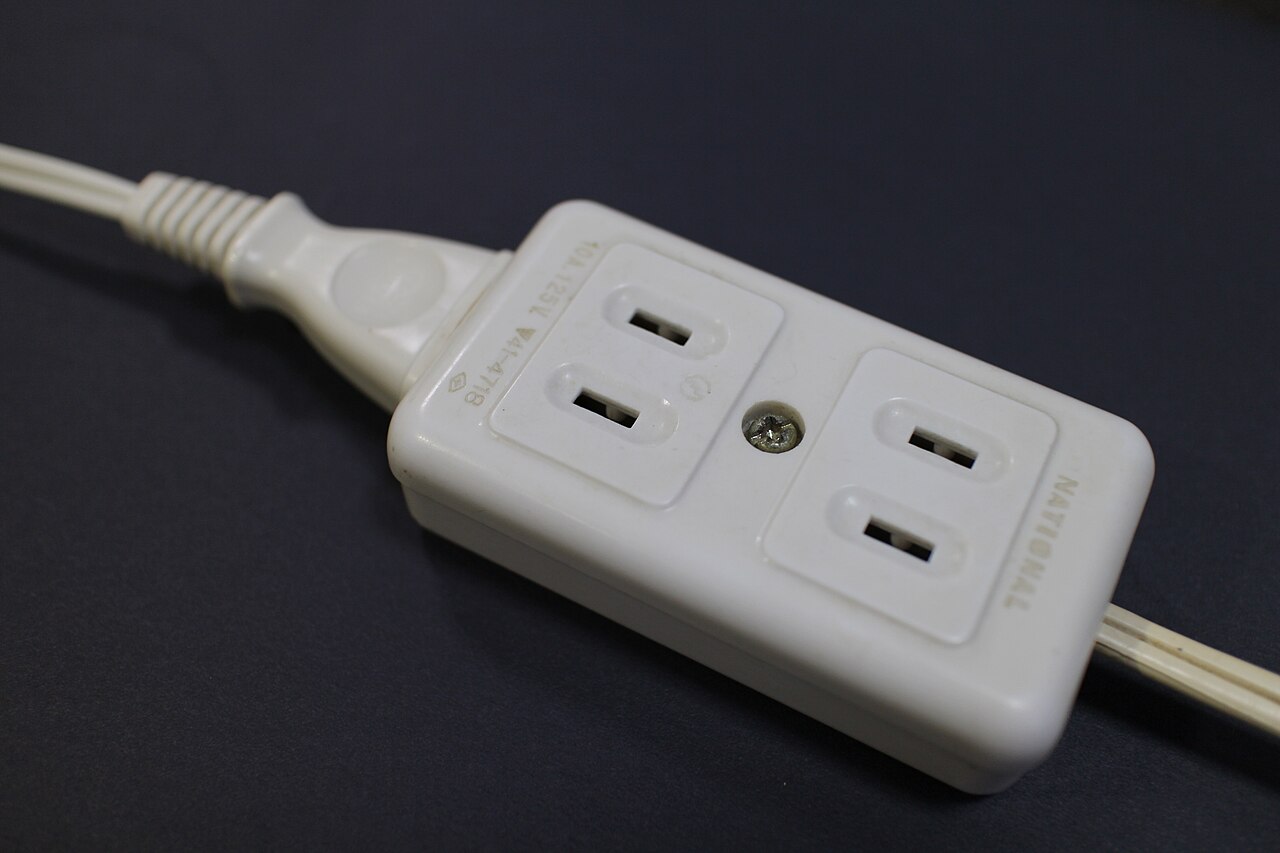
A plain power strip with a switch, mounted where you can reach it, works for the home office: one click at the end of the day turns off the monitor, speakers and printer. A habit you will keep beats a gadget you will bypass.
Replace the worst offender
If one device dominates your list, ask whether it is still needed. Many households have replaced a cable box with a streaming stick or the TV's own apps, and returned an old DVR along the way.
What not to switch off: refrigerators and freezers, medical devices, security systems, wired smoke and carbon monoxide alarms, and usually the router and modem, which many other devices depend on. For the full picture of where your money goes, our guide to what appliances cost to run covers the active loads.
Questions people ask
Does unplugging chargers save money?
Very little. A modern phone charger with nothing attached typically draws well under half a watt, which is less than a dollar a year. Your time is better spent on set-top boxes, consoles and audio equipment.
Do smart power strips work?
Yes, for groups of devices that are always used together, like a TV with its soundbar, console and streaming box. The strip cuts power to the extras when the main device turns off. They save the most where the extras have high standby draw.
What should I never unplug?
Your refrigerator and freezer, medical equipment, security systems, smoke and CO alarms that run on mains power, and usually your router and modem. Some devices also need power to download updates or keep settings.
Sources
Numbers on this page are estimates built on the stated assumptions. Your rates, climate and home will change them, so plug in your own figures. Nothing here is financial or professional advice.